VWAP and TWAP in a trading terminal are execution modes that split a large order into slices.
TWAP sends slices over time. VWAP allocates volume based on market activity.
These modes do not “predict” the market and do not improve the price on their own.
Results depend on the settings: slice size, sending interval, and price limits.
Goal of this material: show a minimal, order-book-based VWAP/TWAP setup: which 3–4 parameters to adjust first and what signs indicate execution has become too aggressive.
4 parameters that affect impact
Other toggles won’t help if the core settings aren’t in place: slice size, interval, duration, and the price limit.
| Parameter | What it sets | How it affects price |
|---|---|---|
| Slice size (slice) | How much size is sent at once | If a slice is larger than the size at the best level, execution takes the next level and worsens the average price |
| Interval | How often slices are sent | Frequent sends lock in the spread more often and don’t give the book time to rebuild size at the best levels |
| Period (plan duration) | How long you are willing to stretch execution | A longer period reduces pressure on the order book, but increases the risk of price moving before the plan finishes |
| Price limit / price corridor | A deterioration boundary that execution must not cross | Stops execution at worse levels, but part of the size may remain unfilled |
Terms: spread — the difference between the best bid and best ask; impact — price deterioration from consuming depth with your own size; slippage — the difference between the expected and actual average execution price.
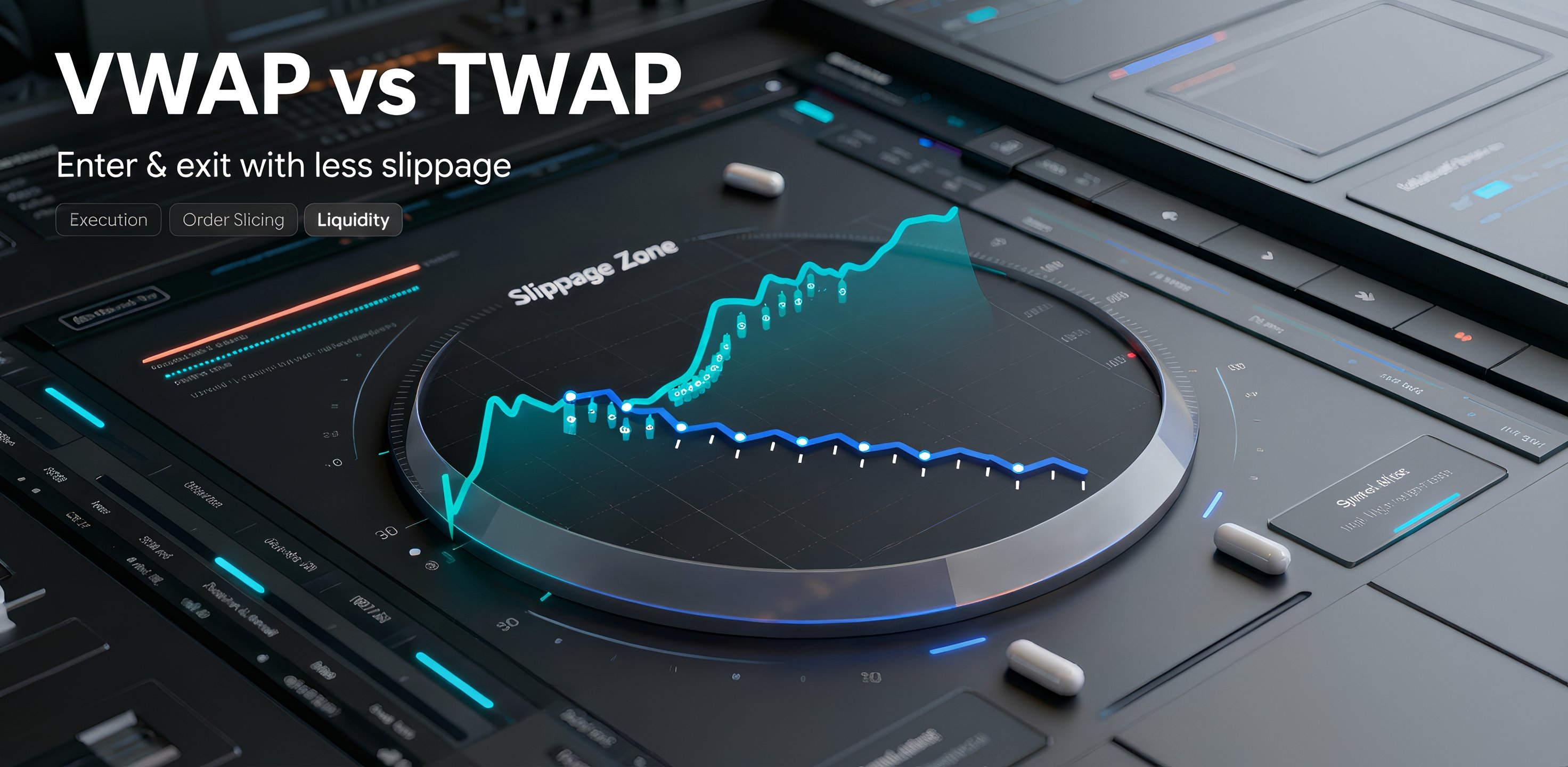
How to tie the settings to the order book in 60 seconds
Aim for two outcomes: slices usually fill near the best level, and the settings don’t push execution deeper into the book.
-
Check the spread and size at the best levels
- A wide spread means losses on each aggressive fill.
- Low size at the best bid/ask means a slice can easily move to the next level.
-
Choose a slice size that usually fits into the best level
- If a slice often takes 2–3 levels, it’s too large for the current depth.
- If there are too many slices and you pay the spread on almost every trade, the slice may be too small or the interval too short.
-
Choose an interval that lets the order book rebuild depth
- If the best levels empty after each slice and don’t come back, increase the interval or reduce the slice.
- If price moves against you between sends, shorten the plan duration and use a price limit.
-
Set a price limit as a deterioration cap
- The limit prevents execution from moving to sharply worse levels.
- If the limit is too tight, part of the size may not fill.
Quick rule: first fit the slice to the best level, then set an interval for depth to rebuild, then cap deterioration with a price limit.
3 signs the plan has become too aggressive
These checks relate to the interface settings. They don’t require benchmarks or complex metrics.
- Slices often move to the next level (execution “steps” are visible) → reduce the slice size or increase the interval.
- The spread is paid on almost every slice → increase the interval or reduce the share of aggressive execution; use a price limit when possible.
- The price deteriorates faster than the size is accumulated → enable or tighten a price limit; if needed, pause until the spread narrows and depth rebuilds.
Tip: if the issue looks like overpaying due to spread and fees, it helps to calculate these components separately. Material: about spread, swap, and commission.
FAQ on setting up VWAP/TWAP in the terminal
Where should you start if you want to avoid sweeping the order book?
Why can part of the size remain unfilled with a price limit?
🧾 What to set so slices don’t go deeper into the book
This is order-book-based setup only. The breakdown of formulas, market regimes, and quality metrics is in the main article.
VWAP/TWAP are modes that split an order into slices. They do not replace liquidity assessment.
Outcomes are determined by slice, interval, duration, and the price limit.
If slices jump levels, reduce the slice size or increase the interval. If execution starts chasing the market, the price limit should cap deterioration.
A full breakdown of VWAP/TWAP, usage scenarios, and execution-quality assessment is in the main article.