Quick check: keys, signatures, and wallet permissions
In GameFi, losses usually come not from a “hacked account,” but from lost wallet access: keys and spending permissions (approve/permit).
- Main risk point → seed/private key and signatures: a signature equals authorization to act.
- Main trap → “Connect wallet” and “Approve/Permit” are not a “login,” but granting rights to a contract.
- Fast project filter → audit (report + contract addresses) + admin rights (multisig/timelock) + dependencies (bridges/oracles/server) that affect progress, rewards, and withdrawals.
- The 3-wallet rule → cold (storage) / main (activity) / gaming (minimum); approve with limits; after events — revoke.
- Operational takeaway → controlling keys and permissions matters most: risk appears at the moment of signing and remains after the session.
A wallet = keys (access) + permissions (right to spend). Control is needed at both levels.
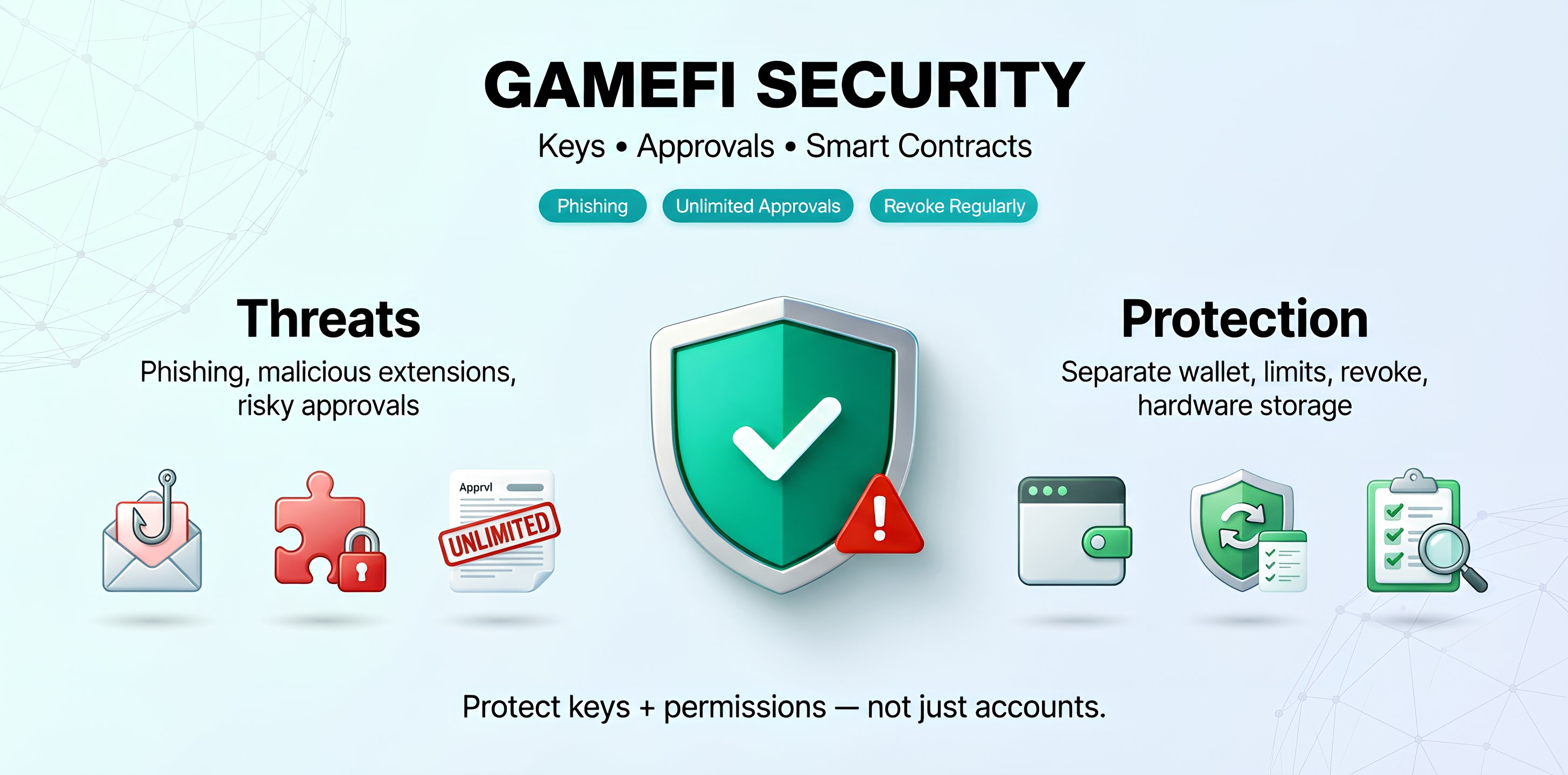
Web2 vs GameFi: what changes in security
In Web2, attackers more often break into accounts. In GameFi, they more often gain access to a wallet or approve/permit permissions that let a contract spend tokens.
| Layer | Web2 games | GameFi |
|---|---|---|
| What is attacked | Account, password, 2FA | Seed/keys, signatures, permissions (approve) |
| What is lost | Access to profile and inventory | Tokens/NFTs — often unrecoverable |
| How it is “recovered” | Support flow (password/2FA reset) | Usually not at all: transactions are irreversible |
| Where everything breaks | Account compromise | Key/permission compromise or a smart-contract bug |
Practical meaning: “entering GameFi” usually means signing an action. If it is unclear which contract gets what right to spend tokens, this is not a “login,” but granting permission.
User-level threats
Most losses come not from “hacking the blockchain,” but from a signature that grants spending rights (approve/permit) or confirms a withdrawal/transfer.
🎭 Phishing and fake sites
Attackers copy the UI, use a lookalike domain, and prompt a signature disguised as a “claim/airdrop.”
- What it looks like
“urgent,” “today only,” “confirm to receive.” - How it ends
a spending permission (approve/permit) is granted or a withdrawal is signed. - What to do
use bookmarks, verify the domain and network, ignore “support” in DMs.
Practical takeaway: a “claim” from chat is almost always a trap. A safer path is finding it via the official site/docs.
🧩 Malicious extensions and software
They replace addresses and clicks, show lookalike prompts, and disguise themselves as a wallet or a “useful” plugin.
- What it looks like
extra signature requests, odd pop-ups, an address that “changes by itself.” - How it ends
when the device is compromised, the wallet is at risk too: software can replace addresses, signatures, or confirmation windows. - What to do
a separate browser profile for crypto, minimal extensions, updates, device checks.
Practical takeaway: more extensions means a higher chance of silently replacing an address or signature prompt.
🧾 Excess permissions (approve) and “dangerous signatures”
A common scenario: a contract gets the right to spend tokens, and the permission stays active.
- What it looks like
unlimited approve, an unknown contract, a signature with unclear purpose or no details. - How it ends
tokens can be taken later — without a new signature from the owner. - What to do
set approve limits, revoke regularly, separate wallets.
Practical takeaway: “everything is fine now” does not mean spending cannot happen later.
Typical loss scenario: a “claim” is signed, but inside is an unlimited approve. The permission remains, and tokens are taken later.
Why this happens: the contract received the right to spend tokens without further confirmations.
GameFi security for a user = device + wallet + permissions.
Project-level threats
Even an “honest” project can be unsafe due to code, admin rights, and infrastructure.
🧱 Smart-contract vulnerabilities
Mistakes in logic, access control, and contract checks/limits.
- Risk
treasury drain, minting tokens “out of thin air,” bypassing limits/conditions. - What to check
audit (public report), fix history, bug bounty, contract timelines and versions. - Protection/Norm
limits, pauses (circuit breakers), timelock, minimized privileges, separated roles.
Practical takeaway: without an audit, what gets tested is not a game, but the risk of a code mistake.
🗝️ Admin rights and centralization
If a team can change key parameters, that is a risk even without malicious intent.
- Risk
changing fees/rules, freezing functions, manual exceptions, hidden capabilities. - What to check
multisig, timelock, a public roles list and each role’s permissions. - Protection/Norm
critical changes only with delay and collective signature.
Practical takeaway: “an admin key without control” means rules can change at any time.
🌉 Bridges, oracles, and off-chain infrastructure
GameFi often uses a hybrid architecture: tokens and NFTs are on-chain, while progress, matches, and rewards are computed on the project server.
Real case: the 2022 Ronin Bridge (Axie Infinity) hack led to the theft of about $625M — bridges and validator keys remain among the most expensive GameFi risks.
- Risk
bridge/oracle compromise, service outage, data substitution/manipulation. - What to check
whether dependencies are critical for rewards, seasons, and progress; the “source of truth” for outcomes — a smart contract, the project server, or an oracle. - Protection/Norm
withdrawal/operation limits, pauses, multisig and delays for critical actions, minimizing off-chain dependencies.
Practical takeaway: “NFTs in a wallet” will not help if the server defines outcomes and rewards: if the server goes offline, the NFT remains but loses in-game value.
60-second project check: (1) is there an audit and who audited? (2) admin keys: multisig + timelock? (3) bridges/oracles/server — are they critical? (4) where is the “source of truth” for rewards and seasons?
GameFi green and red flags
A quick block: what is concerning and what increases trust.
✅ Green flags
- An audit exists → the report is public, contract addresses are provided, and fixes are visible with dates.
- Admin rights are constrained → multisig + timelock, roles are described and clear.
- A bug bounty exists → clear terms and a public fix history.
- Transparent architecture → what is on-chain vs on the server, and where the “source of truth” for progress is.
- Safe UX → signatures, approvals, and limits are explained, with risk warnings.
🚩 Red flags
- No audit → or “coming soon,” but without a report/contract version/addresses.
- Unclear admin keys → no multisig, no timelock, roles are hidden or “trust us.”
- Unlimited approve is required → without explaining why and without a safer alternative (limits).
- Aggressive yield promises → “guaranteed APY,” “no risk,” “profits guaranteed.”
- Poor communication → “support” DMs, links only via chats, no official sources.
With 2–3 red flags, it makes sense to reduce exposure and use a separate gaming wallet, or skip the project.
Risk map
Risks are split by level: what depends on the user, what depends on the project, and what depends on the environment.
| User level | Project level | External factors |
|---|---|---|
|
|
|
The most controllable risks are user-level: they depend on the device, keys, and permissions. The starting point is the wallet, the device, and approve/revoke.
Protection: what to do in practice
A short plan: minimum actions, maximum risk reduction.
- Step 1 → a separate gaming wallet (hold only what is acceptable to lose).
- Step 2 → an approve limit (not unlimited) and revoke after events/active sessions.
- Step 3 → holdings kept separate: a cold wallet or a main wallet with no gaming connections.
- Step 4 → a “4-point” project check: audit, admin keys, bridges/oracles/server, what is on-chain vs not.
If it is unclear which contract receives what right to spend tokens, the signature is unnecessary.
Three things are limited: the amount in the gaming wallet, approve limits, and the list of trusted sites.
Wallet permissions: approve/permit and “unlimited”
A common cause of losses: a contract received the right to spend tokens (approve), and the permission stayed active after the session.
Approve — a contract is allowed to spend tokens up to a set limit.
Unlimited approve — the limit is set “very high” so it does not need to be confirmed again. Convenient, but riskier.
Permit — permission is granted via a signature, sometimes without a separate on-chain transaction (depends on the token/standard).
Revoke — a previously granted permission is revoked (contract access is closed).
20-second check:
- Which contract receives access?
- What limit is set?
- Is unlimited necessary?
- Can revoke be done immediately after?
Mini-check: before signing, verify the contract address and the action in the signature prompt (what exactly is being authorized).
After the session: open the list of granted permissions (approvals) and remove unnecessary ones via revoke.
Approve is an “open door.” Revoke closes it after activity ends.
If a wrong click already happened
An action plan if a wallet was connected to a suspicious site or a questionable action was signed.
Scenario: the wallet is connected, approve/permit or a “confirmation” was signed, and doubts appear afterward.
What to do right now:
- Move assets to a previously verified “clean” address (preferably new/cold).
- Revoke permissions (revoke approvals) for suspicious contracts.
- Create a new gaming wallet and stop using the old one for GameFi.
- Check the device: remove unnecessary extensions, update the browser/OS, run an antivirus/scanner.
- Review the approvals list in the wallet/explorer and close anything unrecognized or unused.
Why this matters: in 2021, attackers injected a malicious script into the BadgerDAO front end and used a “spoofed” confirmation to drain funds from some users. After a suspicious signature, the most reliable step is move assets + revoke.
Quick test: if it is impossible to explain “what this contract is and why it needs access,” the access is unnecessary.
Rule: after a questionable signature, it makes sense to treat the wallet as “compromised” and migrate.
FAQ
What is most dangerous in GameFi for a beginner?
The most dangerous thing is signing without understanding what is being authorized. Most often this is unlimited approve, permit signatures, and transactions to unknown contracts. A fast minimum defense is a separate gaming wallet + approve limits.
Is an audit a guarantee of safety?
No. An audit reduces risk, but does not make a project “safe.” Also check: who controls the admin keys, whether there is multisig + timelock, whether there is a bug bounty, and what the game’s critical dependencies are (bridges, oracles, server components).
Why revoke approvals if “everything works”?
Because approve remains valid after the session. Even if “everything is fine now,” the permission can be used later: if a contract turns vulnerable, gets upgraded, or the approve was granted to the wrong address. Revoke is “closing the door” after activity ends.
If an NFT is in a wallet, does that mean safety?
An NFT proves ownership of a token, but does not guarantee utility. If progress, rules, or rewards depend on a server, the game can shut down, and the NFT remains, but without its previous meaning.
Can stolen funds be recovered?
Usually no: transactions are irreversible. That is why the defense strategy is prevention (keys, device, permissions) and limiting the amount kept in a “hot” gaming wallet.
How to quickly tell a project is too risky?
Risk signals: no audit/report, unclear admin key control, many centralized “levers,” aggressive yield promises, required unlimited approve and odd signatures. With 2–3 signals, reducing exposure or skipping the project is reasonable.
Final plan: 3 rules that actually reduce risk
In GameFi, the protected target is not an “account,” but two things: keys and granted permissions.
- Rule 1 → 3 wallets: cold (storage) / main (activity) / gaming (minimal amount).
Action: the gaming wallet holds only what is acceptable to lose. - Rule 2 → approve only with limits. Unlimited is an exception, not the default.
Action: set limits for the specific task, not “for everything.” - Rule 3 → revoke after activity: the event ends / the game is closed — access is closed.
Action: clean approvals weekly and after events.
Pre-signing check (10 seconds):
- What exactly is being authorized?
- Who receives access (which contract)?
- What limit is set — and can revoke be done right after?
Keys provide access, while approve provides the right to spend. Losses almost always start with the second.